Count what counts to you.
Track habits, moments, emotions, miles — anything that matters. No social media pressure. No guilt. Just data only you ever see, reminders only you control, and a tool that you actually own.
Download and manage three counters forever for free. Unlimited counters unlocked for USD$3.99.
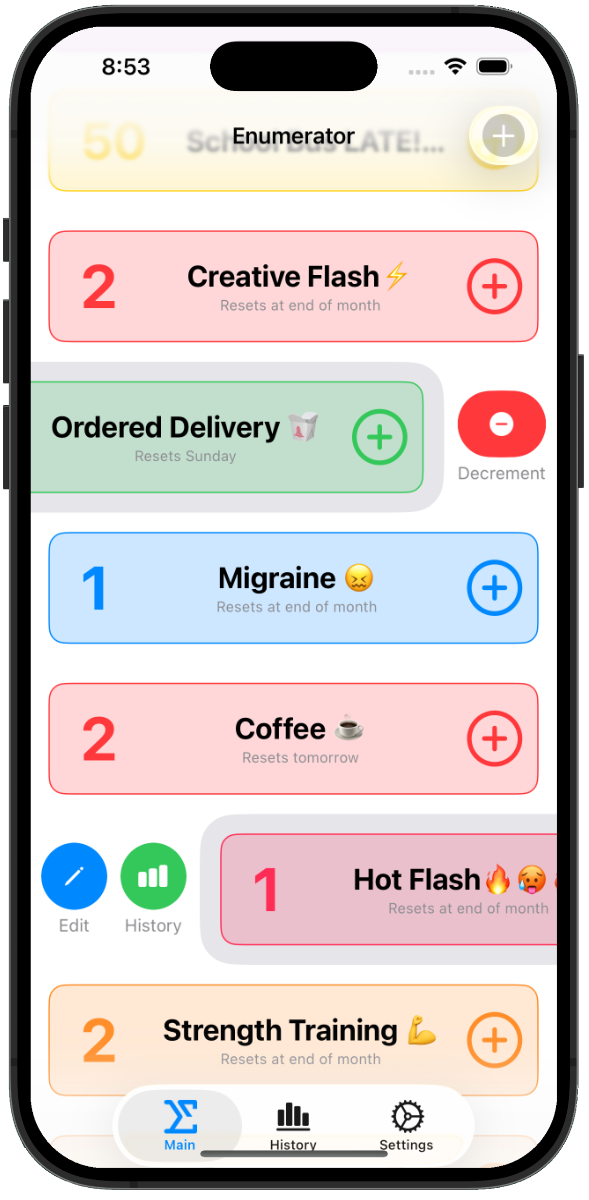
See Enumerator in action.
A glimpse into the simple, intuitive interface that makes tracking effortless.
More than just a counting tool.

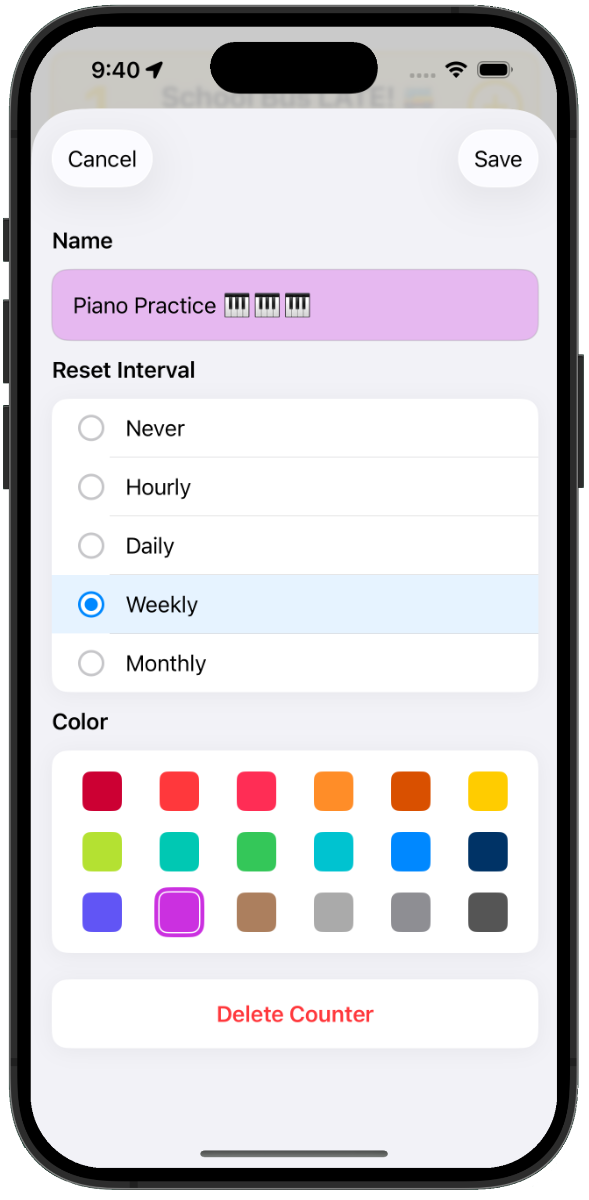
Count anything
Inspiration, workouts, books read, cups of coffee, bathroom breaks. If it matters to you, it counts, so count it.

When and where
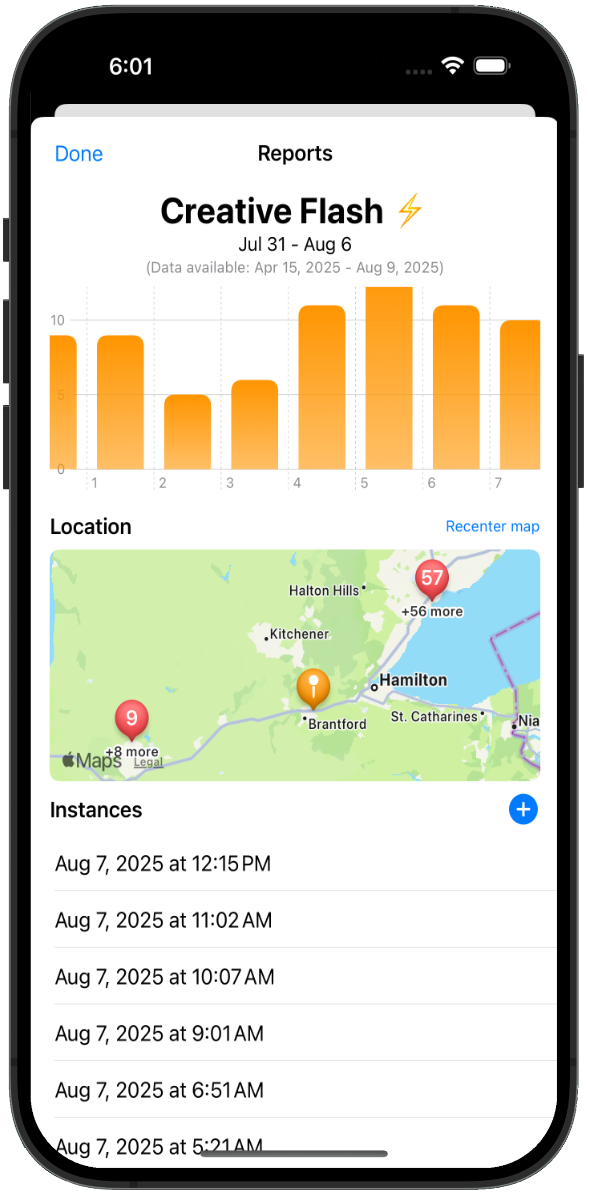
Time and place captured automatically. Correlate patterns to context without thinking about it.

Privacy first
Your data never leaves your device. No servers. No surveillance. Optional iCloud inside your Apple ID.

Track without stress
No social networks. No dark patterns. Enable optional reminders and triggers - forget guilt.

See patterns
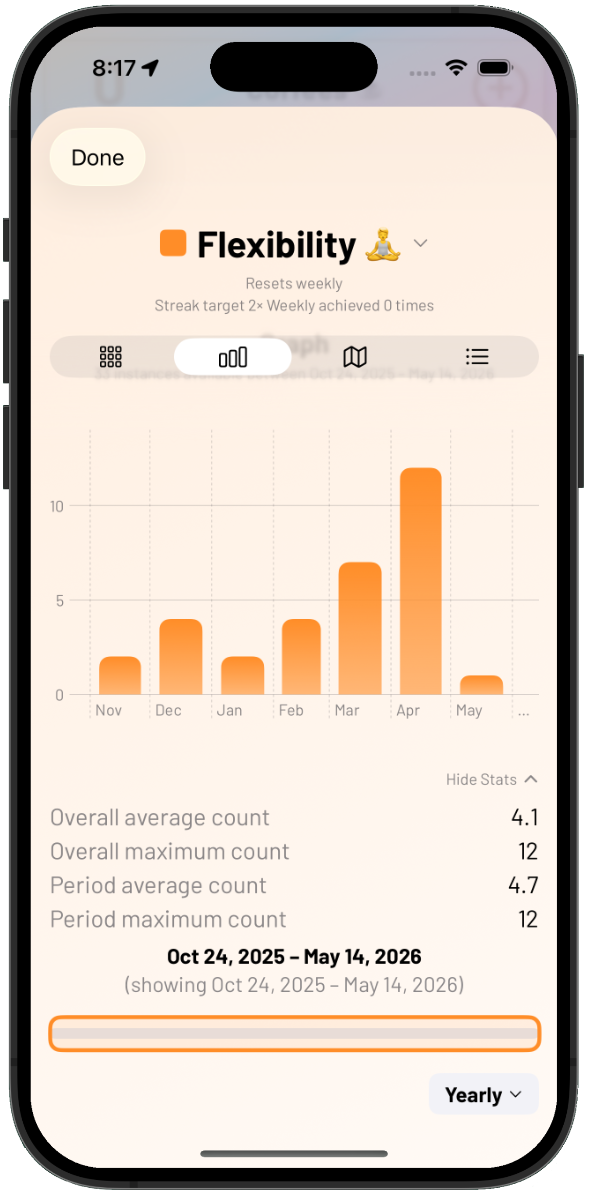
Your data will illuminate trends over days, weeks, months — the view your brain cannot hold on its own.

Export everything
CSV, JSON, or full database backup. Your data is never kept hostage. Take it anywhere.
Real-world scenarios.
A tool for tracking whatever matters most — no judgment, just structure.
Health and wellness
Track mood, energy, sleep quality, symptoms. Correlate your data with times, places, and activities to understand what influences your well-being.
Productivity
Monitor focus levels, work sessions, creative output.
Habits
Build awareness around daily routines and patterns - with reminders or without.
Personal research
Run your own n=1 experiments. Collect data, discover what actually works for you, backed by real numbers from your life.
Fitness
Log workouts triggered when you arrive at the gym. Monitor those recovery days!
Personal finance
Track savings milestones. Reward your discipline and restraint.
Life optimization
Identify what works best in different contexts. Track variables across your days to find the patterns that lead to your best performance and outcomes.
Learning
Track study sessions, books read, skills practiced.
Mindfulness
Develop awareness of internal and external experiences.
Your data. Your control.
Enumerator is built with privacy as a core principle. Your personal tracking data never leaves your device. No cloud sync by default means no data collection, no targeted advertising, and no privacy concerns.
You own your data completely — export it, analyze it, or keep it private. Your choice. Optional iCloud sync (v1.2+) stays inside your Apple ID and is end-to-end encrypted.
We only ask you to opt into anonymous usage analytics, which helps us improve the app. You can disable this anytime.
Frequently asked questions.
Need help?
Visit our comprehensive support center for FAQs, documentation, and contact information.
Visit Enumerator support